
⚡ Data Cloud Deep Dive —Normalization and Denormalization in Data Cloud
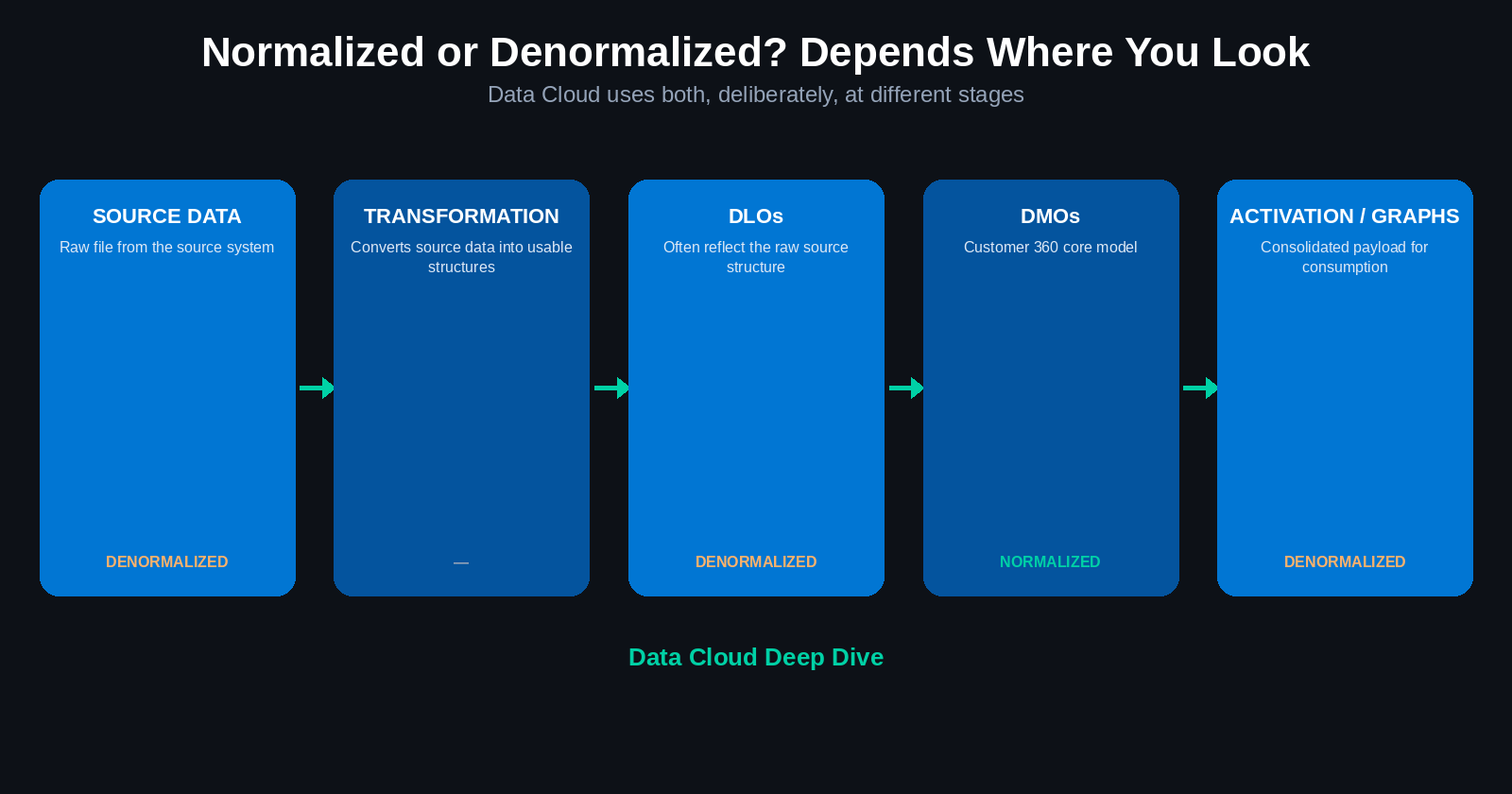
Table of Contents
- Normalization
- Denormalization
- Comparison
- Choosing the right approach
- Normalization in Data Cloud
- Handling denormalized source data
- Denormalization in Data Cloud
- Key takeaway
1. Normalization
Normalization breaks a large table into multiple smaller, related tables. Each table stores a specific type of data.
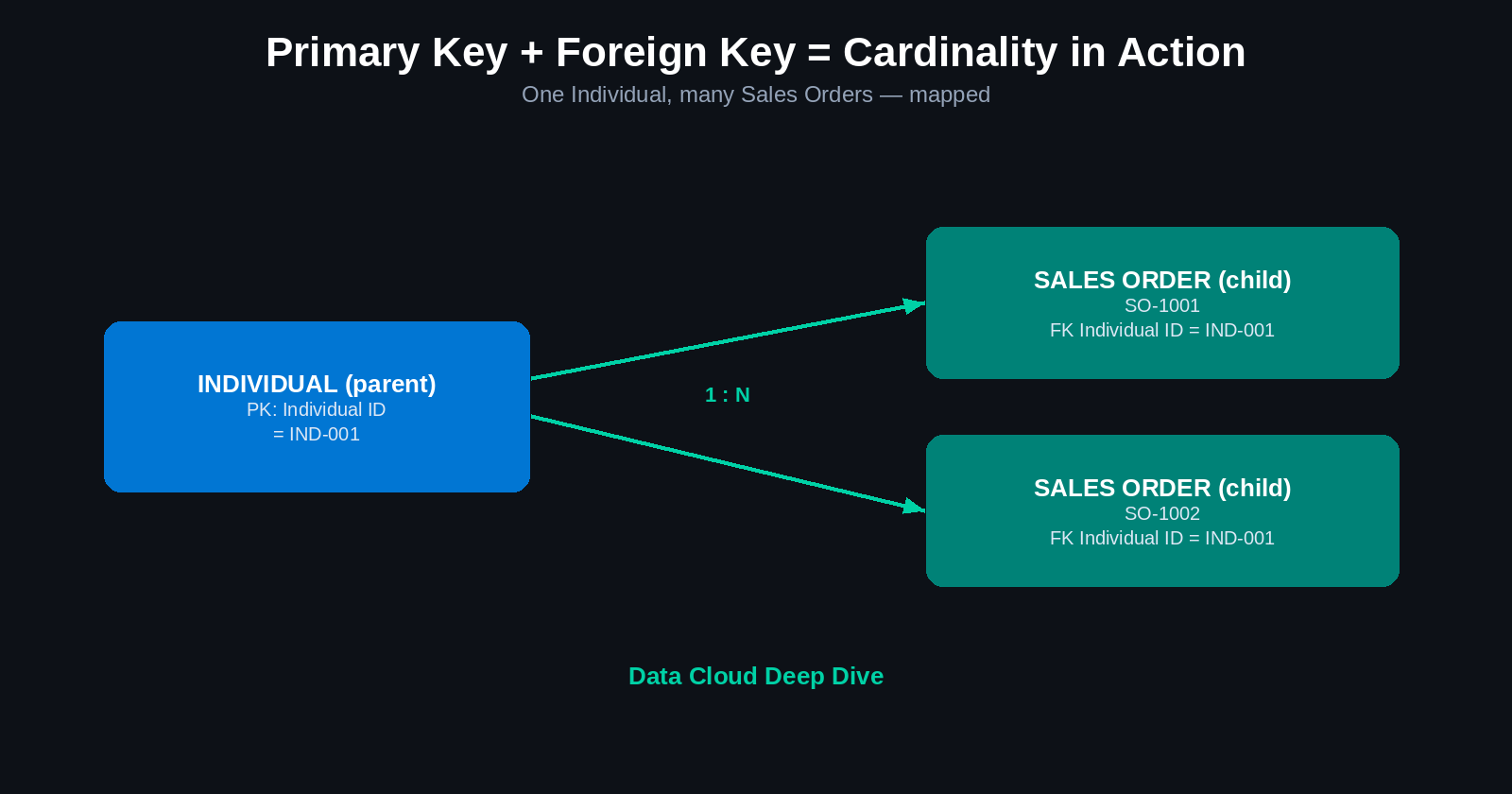
Example: instead of storing customer details repeatedly for every order, you'd have a Customer table (customer information), an Order table (order information), and a relationship connecting customers to orders.
Benefits: reduces duplicate data, improves data consistency, strengthens data integrity, supports scalability, and makes data ownership clearer.
Drawbacks: data is distributed across multiple tables, queries may require joins, multiple joins can reduce performance, and queries and maintenance become more complex.
2. Denormalization
Denormalization combines data into a single table or view, even if this results in duplicate values.
Benefits: faster query performance, simpler queries, fewer joins, and it's useful for reporting, analytics, and high-performance applications.
Drawbacks: increases data redundancy, may create inconsistent values, requires more storage, and makes updates and maintenance more challenging.
3. Comparison
| Area | Normalization | Denormalization |
|---|---|---|
| Structure | Multiple related tables | Combined table or view |
| Duplication | Minimized | May increase |
| Data integrity | Stronger | Requires additional controls |
| Query complexity | Higher | Lower |
| Query performance | May be slower | Often faster |
| Best suited for | Transactional systems | Analytics and reporting |
4. Choosing the right approach
Use normalization when the priority is: data integrity, consistency, transaction processing, multiple systems of record, or detailed, granular data.
Use denormalization when the priority is: query performance, reporting, or analytics.
There's no one-size-fits-all approach. The decision depends on the business use case — and, as the next two sections show, Data Cloud doesn't force a single answer across the whole platform.
5. Normalization in Data Cloud
Data Cloud's Customer 360 model is primarily normalized:
- Customer information → Individual DMO
- Email information → Contact Point Email DMO
- Order information → Sales Order DMO
Different entities are connected through relationships. Each DMO stores the data appropriate to its purpose, which supports data integrity, granular data management, identity resolution, customer unification, and integration across multiple systems.
This isn't a coincidence — identity resolution and unification specifically depend on cleanly separated, related entities. Cram everything into one denormalized blob and matching records across systems gets a lot harder.
6. Handling denormalized source data
Source systems don't always hand Data Cloud clean, normalized data. They may provide a single file containing customer details, order information, and email information all together — denormalized, by definition.
Data Cloud transformations can split this denormalized data into the appropriate structures so it can be mapped to individual DMOs.
Typical flow:
Source data → Transformation → DLOs → DMOs → Identity resolution and activation
This is the same ingestion pipeline from earlier lessons, viewed through a normalization lens: the source is often messy and denormalized, and the transformation step is specifically what untangles it into a shape the standard model can use.
7. Denormalization in Data Cloud
Data Cloud also uses denormalized structures — deliberately — for specific purposes.
Data Lake Objects (DLOs) often reflect the raw structure of the source system and may be denormalized. That's expected; a DLO's job is to hold the data close to how it arrived, not to already be clean.
Data Graphs combine multiple DMOs into a single, queryable view. A data graph acts as a denormalized layer purpose-built for easier querying — trading the cleanliness of separated DMOs for the convenience of one flat structure to query against.
Activation often needs denormalized data too. External systems typically expect a single, consolidated payload — not five related records a downstream system has to join together itself. So Data Cloud may provide denormalized data specifically at the activation step, even though the underlying model stayed normalized the whole time.
8. Key takeaway
Data Cloud uses a balanced approach:
- Normalization supports storage, processing, integrity, identity resolution, and unification.
- Denormalization supports querying, activation, analytics, and external consumption.
| Data Cloud area | Typical approach |
|---|---|
| Customer 360 core model | Normalized |
| Raw source DLOs | Often denormalized |
| Transformations | Convert source data into usable structures |
| Data graphs | Denormalized query view |
| Activation payloads | Often denormalized |
The correct approach depends entirely on what the data is being used for — not on picking a single strategy for the whole platform.
Quick knowledge check
- What is normalization, and what problem does it solve?
- What is denormalization, and what trade-off does it accept?
- Why is Data Cloud's Customer 360 core model primarily normalized?
- Why might a DLO be denormalized even though the DMO it feeds isn't?
- What is a data graph, and why is it denormalized by design?
- Why does activation often use denormalized payloads?
- What's the typical flow from raw source data to identity resolution?